Create an event
Approved hosts can publish an invite in a couple of minutes.
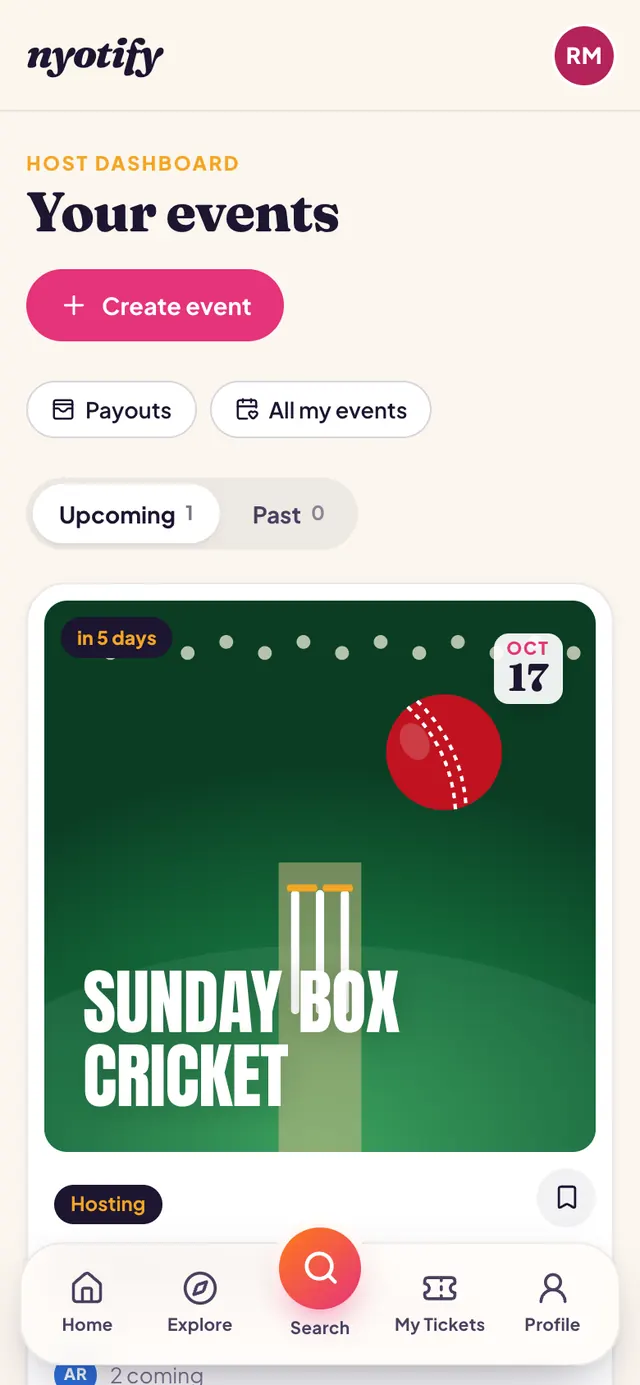
Open your Host Dashboard
Go to Profile → Hosting → Host Dashboard and tap Create event. Your upcoming and past events are listed here too.
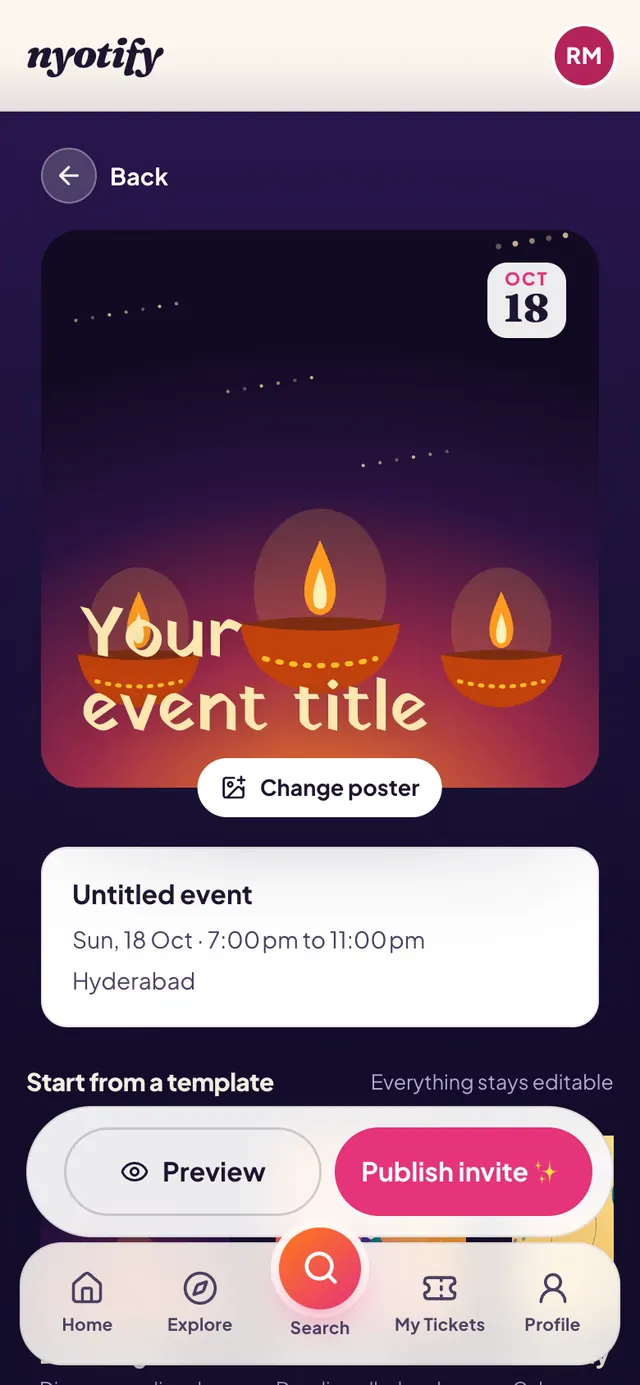
Start from a template or from scratch
Pick a template, or name your event yourself. Tap Change poster to choose a design or upload your own image (JPG, PNG or WebP, up to 5 MB).
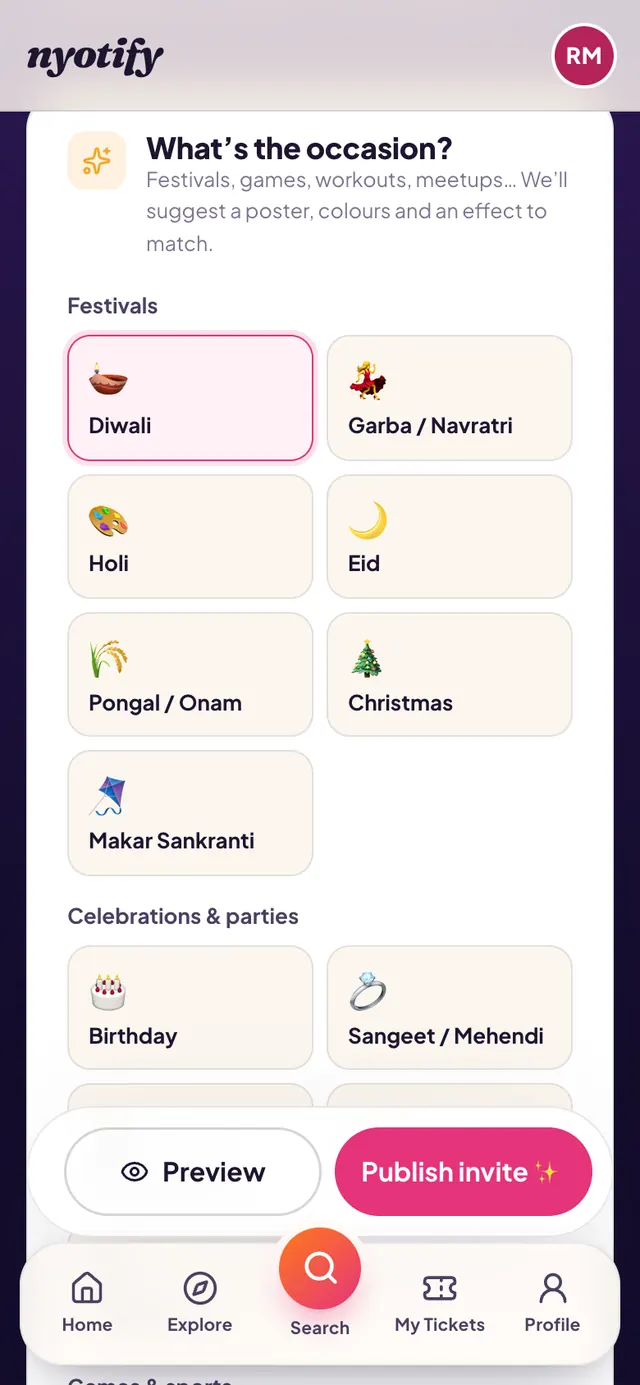
Choose the occasion
Festivals, celebrations, games and sports, or activities and meetups. The poster, colours and effect change to match; you can still change each one.
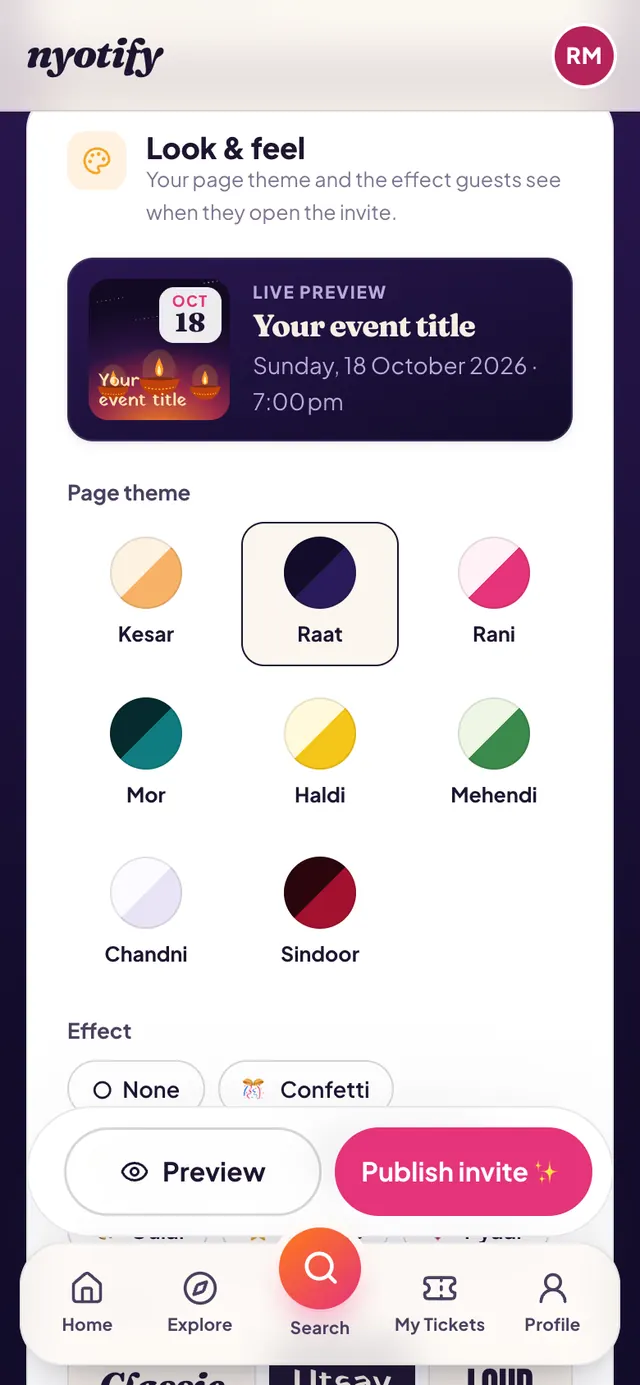
Set the look, then preview and publish
Pick the page theme, effect and title style; the live preview updates as you tap. Add the date, venue, capacity and, for paid events, a ticket price. Tap Preview to see the invite as guests will, then Publish invite and share it on WhatsApp.
More help: Become a host · Manage guests and check-in · All articles