Become a host
Hosting needs a one-time verification. Once you’re approved you can create as many events as you like.
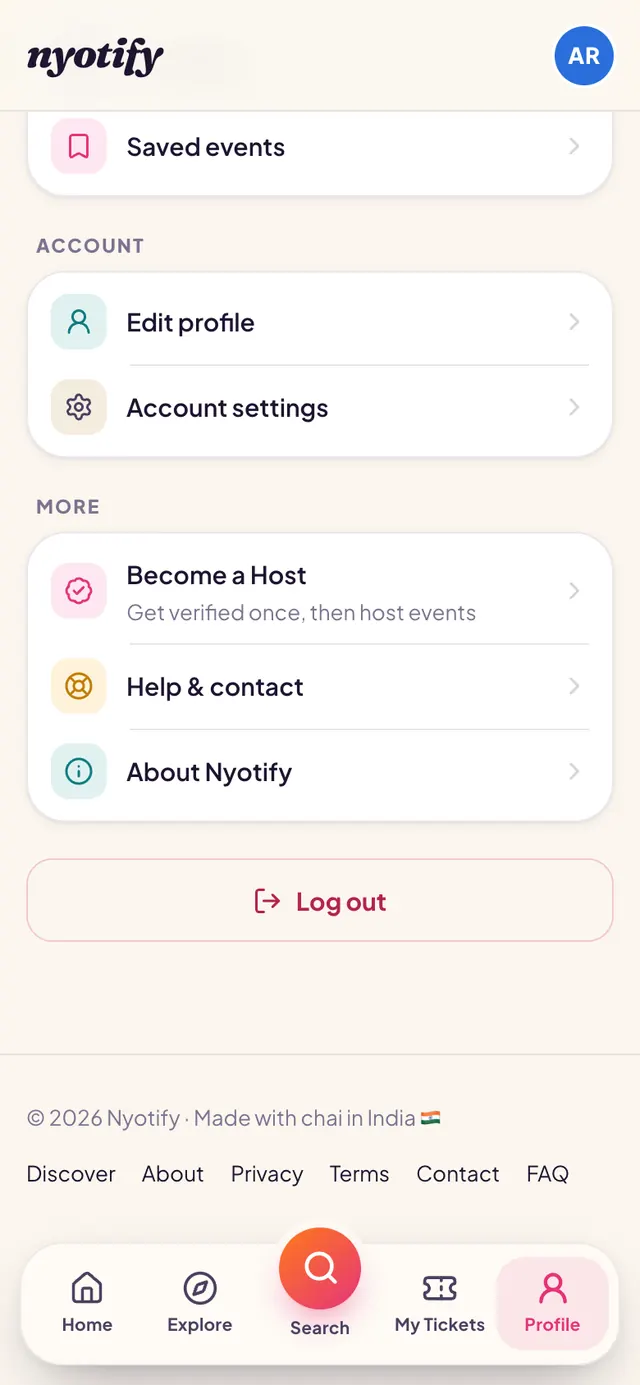
Open Become a Host
Go to Profile and, under More, tap Become a Host.
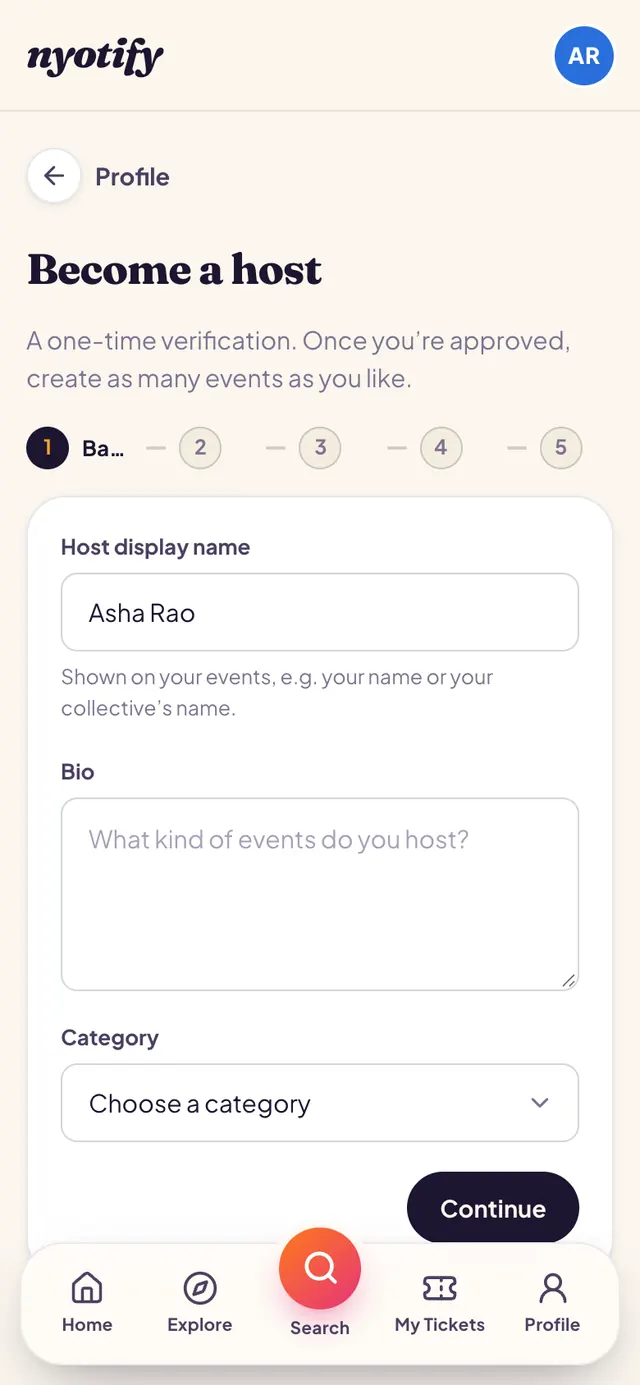
Fill in the form
Five short steps: your host name, bio and category; optional social links; your bank account (and UPI if you like) for payouts; whether participants can see your contact details; and agreeing to the Host Payout Policy. Your account number and IFSC are encrypted.
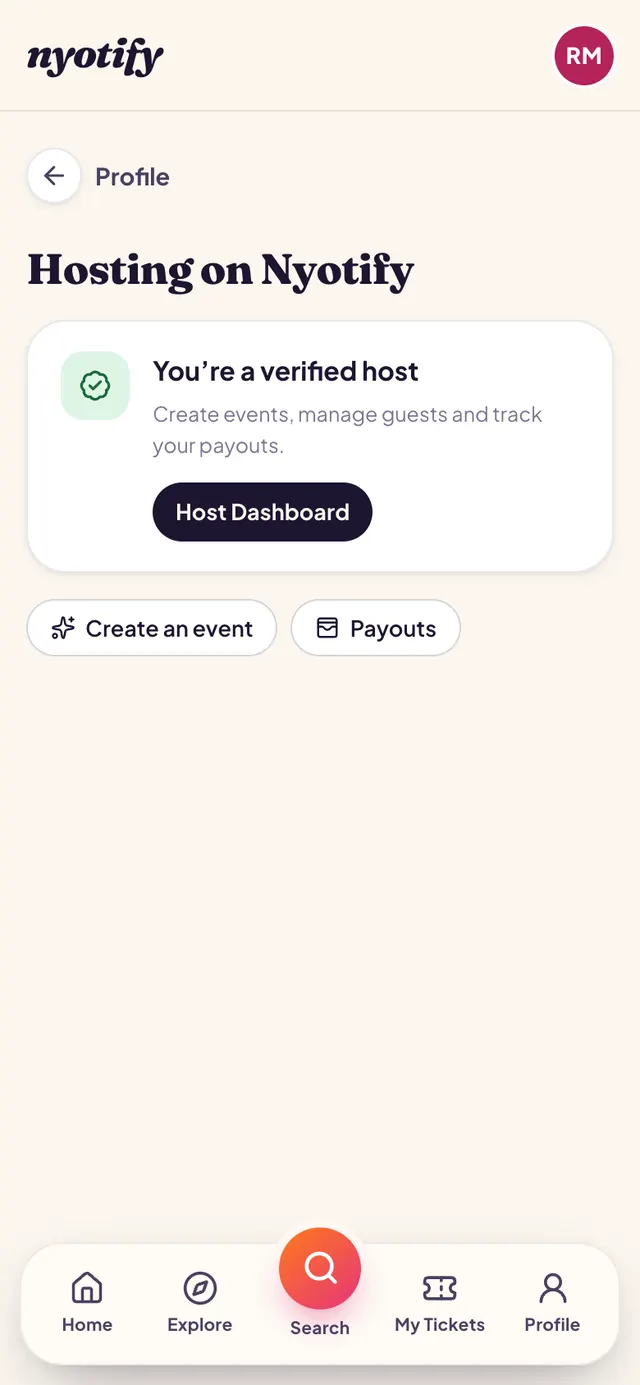
Wait for approval
We review every application and email you when it’s done. You can follow it on the same page; once approved you’ll see You’re a verified host and the Host Dashboard.
More help: Your tickets · Create an event · All articles