Manage guests and check-in
See who’s coming and let people in at the door.
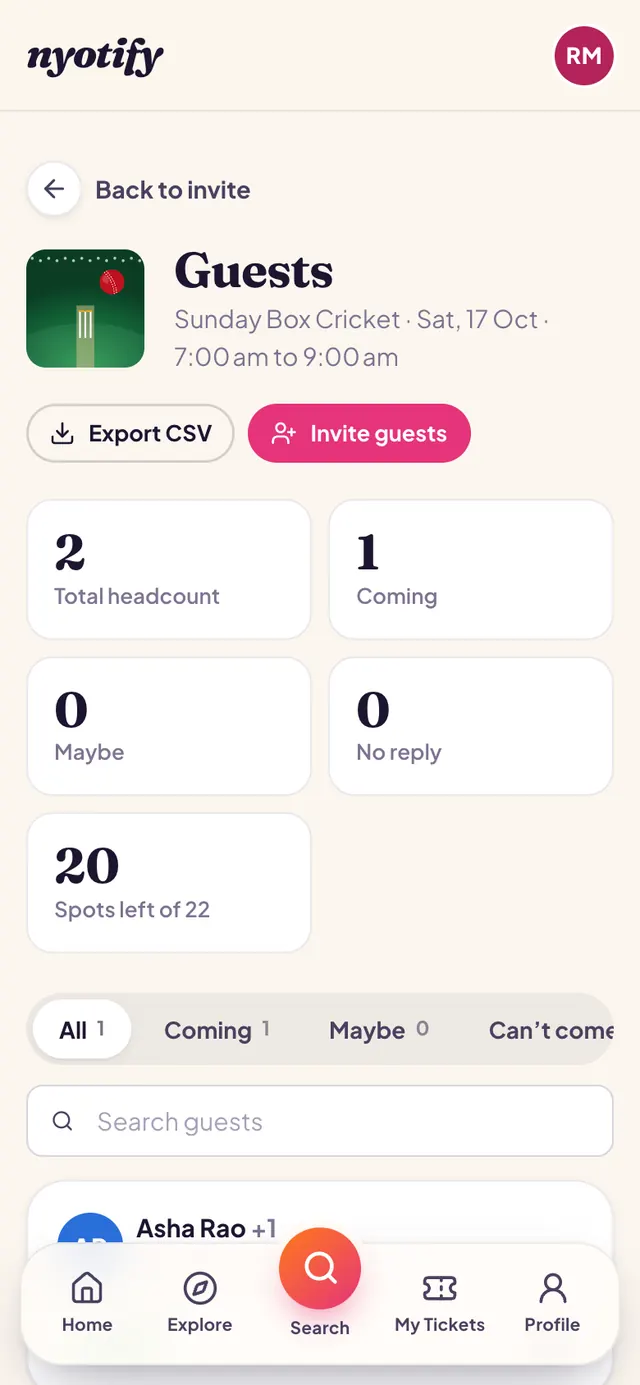
Open Guests
From your event page, tap Guests. You’ll see the headcount, replies and spots left. Invite people, approve requests, search the list or export it as CSV.
Check people in
On the event day, open Check-in from your event page. Scan each guest’s QR code with your phone camera, type their code, or tick them off the list. You can add door staff who can only check people in.
More help: Create an event · Get paid · All articles